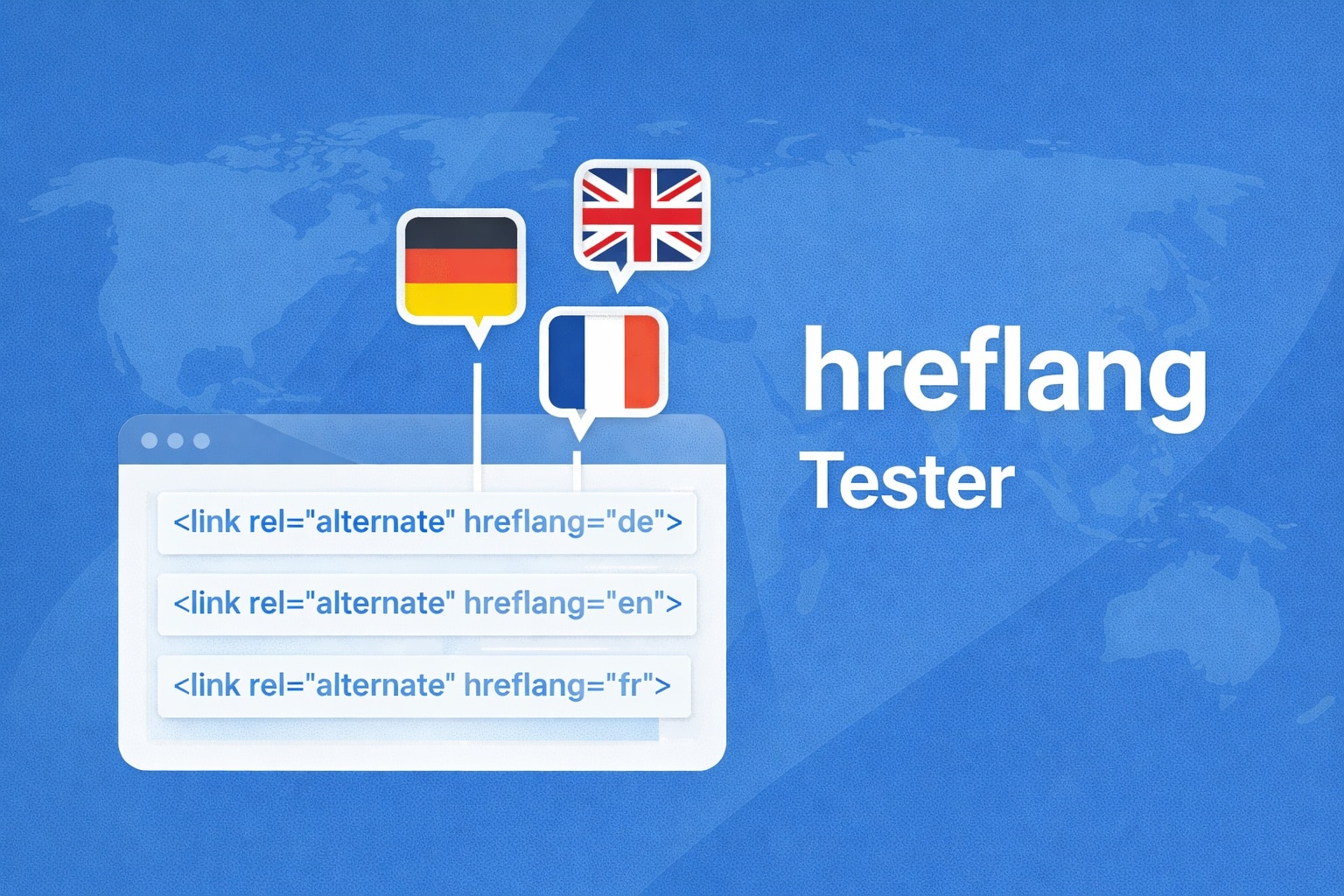
Hreflang Tester: Validate Tags, Find Errors
Running a multilingual website? Then correct hreflang tags are essential for Google to show the right language version in search results. Faulty tags can cause users to land on the wrong language version – or lead Google to treat your pages as duplicate content.
This tool checks your hreflang tags for syntax, reachability, and reciprocity. Paste tags manually, have a URL analyzed, or check an entire sitemap. For each alternate URL, a HEAD request verifies whether it is actually reachable – and whether the target page links back with a matching hreflang tag.
Hreflang Tags Tester
Paste hreflang link tags or complete HTML. The tool will extract and validate all hreflang tags.
Enter a URL to fetch and analyze its hreflang tags. The tool will also check for self-referencing tags.
Enter a sitemap URL to parse and validate hreflang entries (xhtml:link elements).
How the Hreflang Tester Works
- Validate tags: Paste your hreflang tags or the complete HTML of a page. The tool automatically detects the tags and checks language codes, region codes, URLs, and syntax.
- Fetch and analyze a URL: Enter a page URL. The tool fetches the HTML source and extracts all hreflang tags automatically.
- Check a sitemap: Enter a sitemap URL to analyze all hreflang mappings contained within it.
- Check reachability (Tier 1): Enable the “Check reachability” option to test each alternate URL via HEAD request. You will see the status per link: reachable, redirect, error, or WAF block.
- Check reciprocity (Tier 2): Additionally enable the reciprocity check. The tool fetches each target page and verifies that it contains a hreflang tag pointing back to the source page. A summary of planned requests is shown before starting.
- Export results: Download the results as CSV or JSON.
Changelog
- Added Tier 1 reachability check via HEAD request with WAF detection
- Implemented Tier 2 reciprocity check – verifies that target pages link back to the source page
- Added pre-flight dialog before intensive checks (shows request count and estimated duration)
- CSV and JSON export of results
- Added sitemap mode as a third input option alongside manual entry and URL fetch
- WAF block detection (Cloudflare, Imperva, Akamai, Sucuri) during target validation
Background: Why Hreflang Tags Are Essential for Multilingual Websites
The hreflang attribute tells search engines which language versions of a page exist and which regions they are intended for. Without hreflang tags, Google must decide on its own which version to show a user – and that decision is not always correct.
Common Problems Without Hreflang Tags
- Wrong language in search results: German users see the English page, English users see the French version.
- Duplicate content: Google treats similar pages in different languages as duplicates and indexes only one version.
- Cannibalization: Multiple language versions compete for the same keywords and weaken each other.
Why Reciprocity Is So Important
Google requires hreflang tags to be bidirectional: if Page A points to Page B as an alternate, Page B must also point back to Page A. If this reciprocity is missing, Google may ignore the tags entirely.
What Should You Do With the Results?
- Add missing self-references: Every page should include a hreflang tag that points to itself.
- Check x-default: The x-default tag should point to your default language version or a language selection page.
- Fix dead links: Unreachable URLs in hreflang tags are a clear signal to Google that something is wrong.
- Add missing reciprocity: If a target page does not link back, add the corresponding hreflang tag there.
Frequently Asked Questions
Frequently Asked Questions
What are hreflang tags?
Hreflang tags are HTML attributes (typically in the <head> section) that tell search engines which language and region variants of a page exist. They use the format <link rel="alternate" hreflang="de" href="..." />.
Where should I implement hreflang tags?
There are three options: in the HTML <head>, in HTTP headers, or in the XML sitemap. The most common method is the HTML <head>. The important thing is to use only one method consistently.
What is the x-default tag?
The hreflang="x-default" tag points to the page users should see when no matching language version is available. This can be a language selection page or your default language version.
What does a WAF block mean in the test?
A WAF (Web Application Firewall) like Cloudflare can block automated requests. The URL itself is probably correct – it is a protection measure by the target server, not an error in your hreflang tags.
How many hreflang tags can a page have?
There is no official upper limit, but Google recommends maintaining tags in the sitemap rather than in HTML if you have more than 20–30 language variants. This reduces HTML size and improves load time.