Social Preview: How your page looks on Facebook, X, LinkedIn & co.
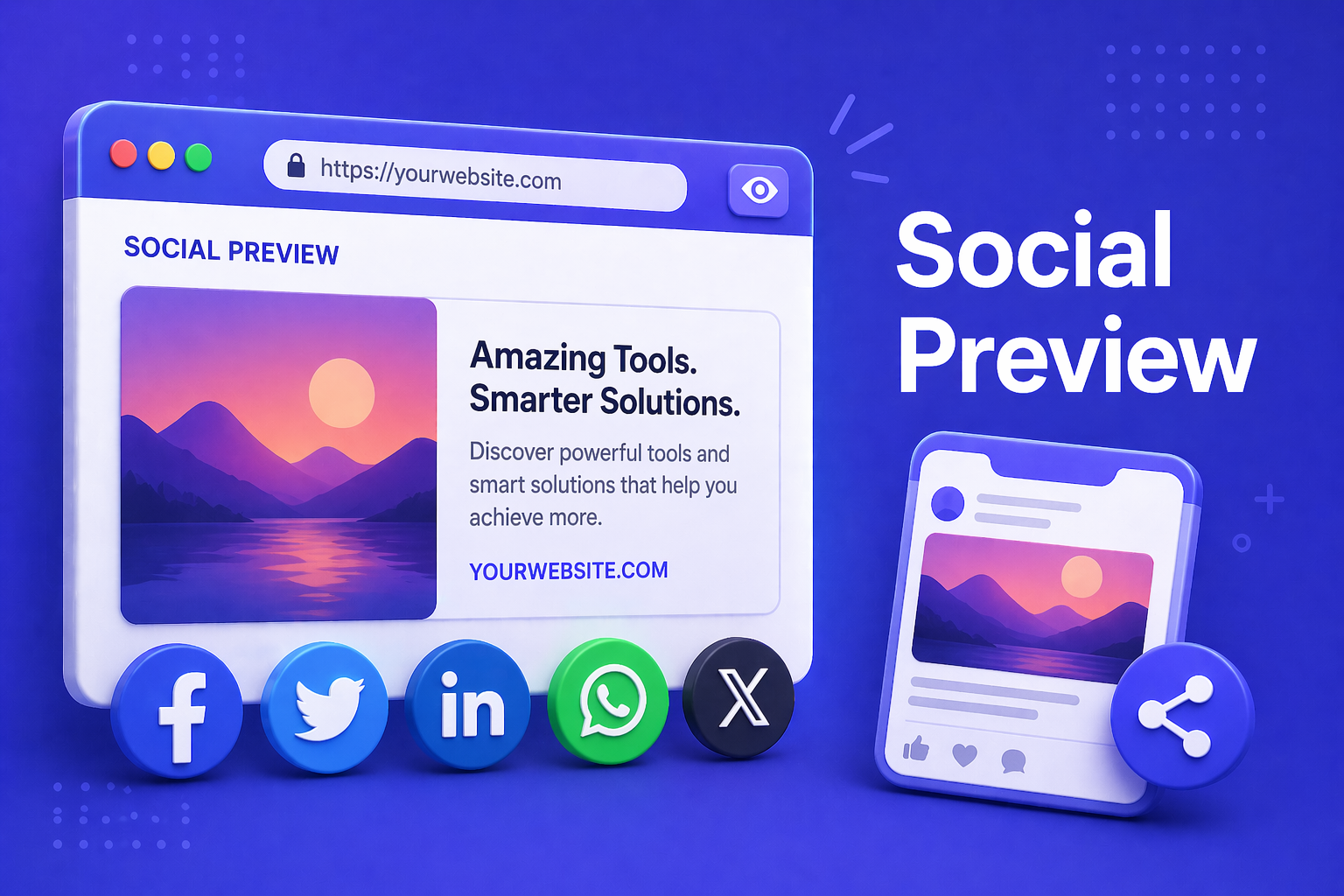
When someone shares your URL on Facebook, X, LinkedIn, WhatsApp, Slack, or Discord, those platforms generate a preview card from your page’s Open Graph and Twitter Card metadata. That card drives click-through: a missing og:image, a too-long title, or an unused twitter:card quietly costs reach.
Our social preview tool fetches a URL’s metadata, checks the og:image’s reachability, compares title/description lengths against each platform’s actual truncation budget, and renders six pixel-faithful preview cards that match each platform’s real rendering. Below them: a findings list colour-coded by severity.
How to use the preview
- Enter a URL: any publicly reachable URL, e.g.
https://minoka.de/blog/post. - Generate previews: one click. The tool fetches the page, extracts og:/twitter: meta, HEAD-checks the og:image, and renders the six cards.
- Read the findings: red items are showstoppers (missing og:image, unreachable og:image). Yellow items are worth fixing (og:image too small, title past Facebook’s ceiling). Blue items are hints (missing twitter:card, no theme-color).
- Check the budget pills per card: each card shows two pills at the bottom: T (title) and D (description) with current / max character counts. Green = fits, red = platform truncates.
What the preview checks
| Field | Why it matters | Ideal value |
|---|---|---|
| og:title / twitter:title | Headline on every platform | ≤ 65 chars (Facebook ceiling) |
| og:description | Text under the headline | ≤ 125 chars (X ceiling) |
| og:image | The card’s main image | 1200×630 px, JPG/PNG/WebP, < 5 MB |
| og:image:width / height | Prevents layout shift while loading | Always declare |
| twitter:card | Large vs. small mode on X | summary_large_image for maximum real estate |
| theme-color | Accent colour on Slack / Discord | Your brand hex, e.g. #0f172a |
Per-platform truncation budgets
- Facebook: title ~65 chars, description ~200, image 1.91:1
- X (Twitter): title ~70, description ~125;
summary_large_imagefor 1200×628, else the compact card - LinkedIn: title ~150, no description in the preview, image 1200×627
- WhatsApp: title ~65, description ~170, compact bubble card with small thumbnail
- Slack: title ~80, description ~150, coloured left border from
theme-color - Discord: title ~256, description ~2048 (rarely truncates), embed with coloured left border
Frequently Asked Questions
Frequently Asked Questions
Why does X show a compact card instead of the large one?
Your page has no twitter:card meta or uses summary. For the large card (much better CTR) set <meta name="twitter:card" content="summary_large_image">.
Why do I see “No image” on my cards?
Either the page has no og:image, or the HEAD check could not reach the image (404, WAF block, SSL error). Either way platforms either will not generate a card or will show one with a grey placeholder.
Why does Facebook not update the preview even though my meta is correct?
Facebook caches og metadata aggressively. Use the Facebook Sharing Debugger (developers.facebook.com/tools/debug) to invalidate the cache. Our tool always fetches live, so you see the current state — Facebook can still serve days-old versions.
Do you check the actual image dimensions?
We only read og:image:width and og:image:height from the meta tags. We do not download the image itself (HEAD-only) to keep traffic minimal. If the dimensions are missing we flag that — declaring them prevents layout shift while the image loads.
Changelog
- Six pixel-faithful preview cards: Facebook, X, LinkedIn, WhatsApp, Slack, Discord
- Per-card title + description budget pills with “fits” / “truncates” colour coding
- HEAD check of og:image reachability with WAF / 4xx detection
- Findings panel with three-tier severity (High / Medium / Info)
- og: / twitter: / <meta> priority cascade (matching the official platform docs)
- Detects twitter:card type (summary vs. summary_large_image) and renders accordingly
- theme-color flows into Slack and Discord cards as an accent colour