HEIC to JPEG Converter: HEIC and HEIF Images to JPG, PNG or BMP
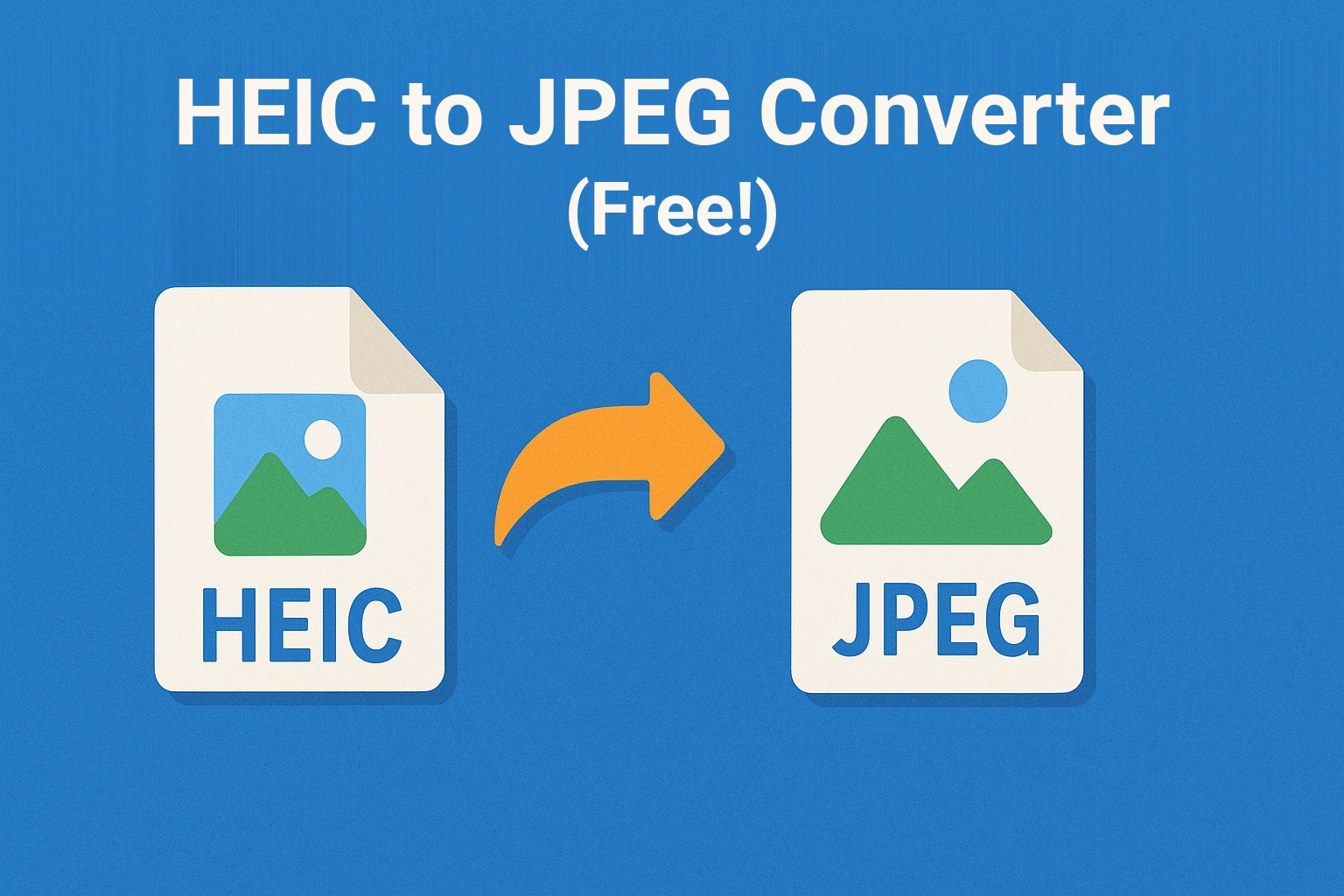
This HEIC to JPEG converter turns HEIC and HEIF images, the photo format used by Apple devices, into JPEG, PNG or BMP. It runs on phones, tablets and desktop computers without installing anything, converts up to 10 images at once and lets you choose the JPEG quality and whether EXIF data are kept.
How to convert HEIC to JPEG, PNG or BMP
- Select images: tap or click the marked area to choose up to 10 HEIC or HEIF images from your device, or drag them into the area.
- Choose the output format: JPEG, PNG or BMP from the drop-down list.
- Set the JPEG quality (optional): when JPEG is selected, a field for the quality appears. Enter a value from 1 to 100; higher values mean better quality and larger files. The default is 80.
- Keep or remove EXIF data: the option to keep EXIF data is switched on by default. Untick it to strip camera details, date and location from the converted images.
- Start the conversion: click Convert. A progress bar shows the status.
- Download the results: after the conversion a download button appears for each image. Click it to save the file to your device.
- Convert more images: click Start a new conversion to reset the tool.
Data and privacy
- Upload for conversion: the images are sent to the server over an encrypted connection, converted there and returned to you.
- No storage: uploaded images are used only for the duration of the conversion and are deleted once it is complete.
- EXIF control: you decide whether camera details, date and location stay in the converted files.
- No third parties: your images are not passed on to anyone else.
Notes
- Make sure the files are in HEIC or HEIF format; other formats are not converted.
- Questions or suggestions are welcome via the contact form.
Frequently Asked Questions
Frequently Asked Questions
What is a HEIC file?
HEIC is the photo format Apple devices have used since 2017. It is based on the HEIF standard with HEVC compression, which keeps files small at high quality. Many websites, forms and older programs cannot open it, which is why a conversion to JPEG or PNG is often needed.
Which output format should I choose?
JPEG for photos that need to be small and widely compatible, PNG when you need lossless quality or transparency, BMP only when a program specifically requires it. For most uploads JPEG at quality 80 is a good balance.
What are EXIF data and should I remove them?
EXIF data are details stored inside the photo, such as camera model, date and often the GPS position. Keep them if you want to preserve that information. Remove them before publishing a photo if you do not want the location or device to be visible.
How many images can I convert at once?
Up to 10 files per run. Large files take longer to upload and convert; if a conversion fails, check your connection and try again.