Cloaking Detector: Do Crawlers See What Your Visitors See?
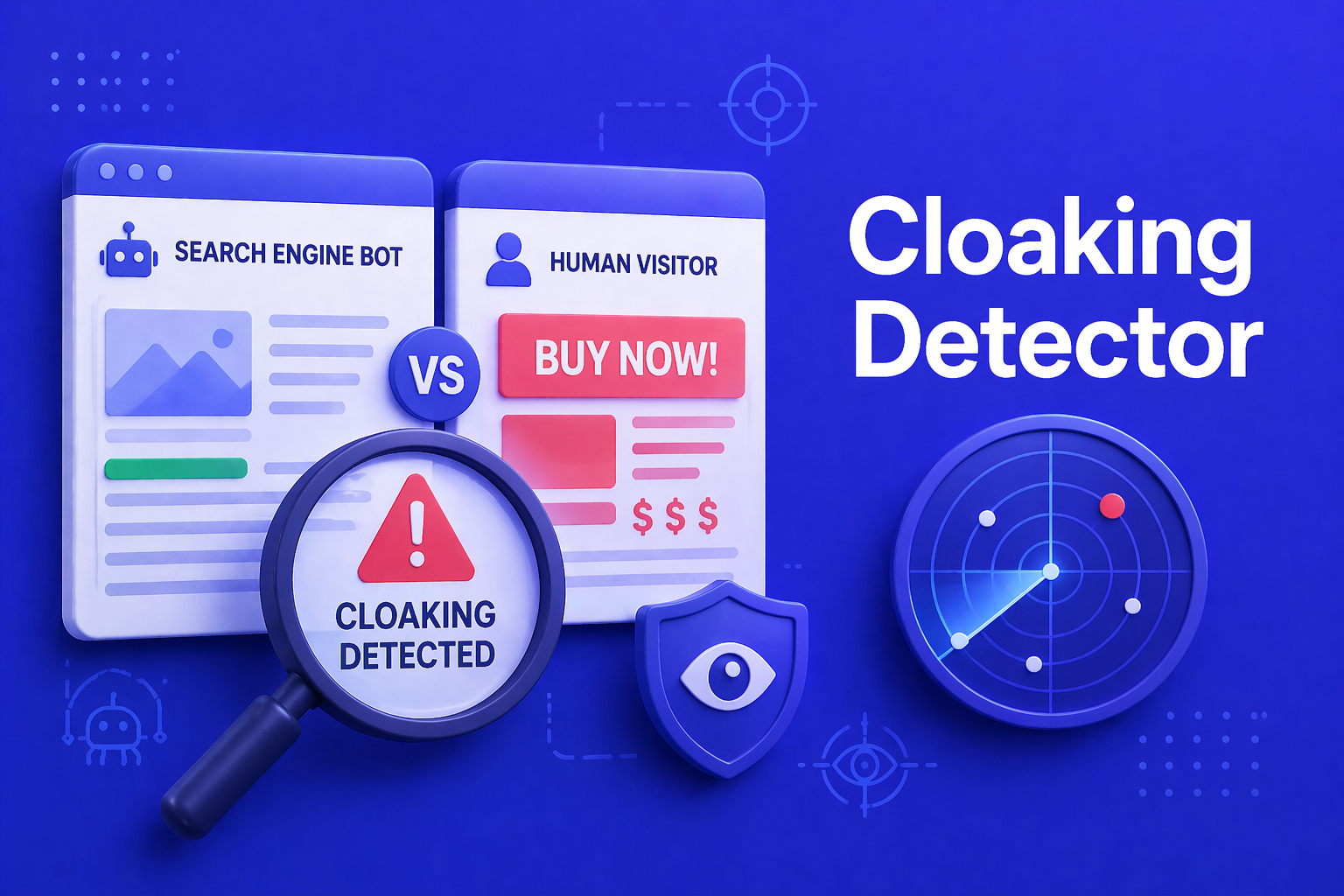
Cloaking is when a website serves different content to different clients — typically a keyword-stuffed version to Googlebot and a different (often lower-quality or commercially driven) version to real visitors. Google treats this as a hard guidelines violation and it usually triggers a manual action. Cloaking can also happen unintentionally — a security plugin, an A/B test framework, a CDN, or a badly configured WAF serving different content per User-Agent.
Our cloaking detector fetches the same URL twice: once with a normal browser UA, once as Googlebot. It then extracts a structural outline from each response (title, meta description, canonical, H1, H2 list, word count, outbound links) and compares them side by side. Differences are colour-highlighted; the summarised findings list shows severities.
Cloaking / UA-Diff Detector
Fetches a URL twice — once as a regular browser, once as Googlebot — and diffs the resulting page outline. Flags cloaking, JS-only content crawlers miss, or accidental UA-based branching.
Heads-up: when running many checks in quick succession, the target server or a CDN (Cloudflare, Imperva, Akamai) may temporarily throttle requests. If a check returns WAF or rate-limit errors, wait a few minutes before retrying. Results are cached for 5 minutes, so re-running the same URL is free.
How to use the detector
- Enter a URL: any full URL, e.g.
https://example.com/product/test. - Run the check: one click is enough. The audit takes ~3–6 seconds and is near-instant on repeated runs thanks to a 5-minute cache per UA.
- Read the findings: red hits are real cloaking indicators — title, description, canonical or H1 differ. Yellow hits are softer: H2 lists differ or word count diverges by more than 10%.
- Expand the side-by-side outline: each section shows a “Matches” or “Differs” badge. Differing fields get a subtle red background.
What the detector checks
| Field | Why it matters | Severity on drift |
|---|---|---|
| Title | The most important ranking signal. Different title per UA is classic cloaking. | High |
| Meta description | Drives the snippet in the SERPs. | High |
| Canonical | Different canonical per UA confuses Google massively. | High |
| H1 | Core content signal, no tolerance for differences. | High |
| H2 list | Content structure — drift indicates per-UA content branching. | Medium |
| Word count | A >10% delta means the bodies are substantially different. | Medium when >10% |
| Outbound links | Differences hint at UA-specific monetisation or affiliate cloaking. | Medium |
Known limits
No headless browser
The detector fetches the raw HTML response, not the fully rendered page after JavaScript runs. If a site cloaks purely via client-side JS (very rare), we will not see it. For what Googlebot actually indexes, that is the right lens: Google’s render stack waits for JS, but the initial HTML remains the primary input — which is exactly what we diff.
User-Agent cloaking only
We diff the response for two UAs. IP-based cloaking (different content for Google’s IP ranges vs. other IPs) cannot be detected without testing from inside Google’s IP range. Reverse-DNS-based cloaking is also out of scope.
Two fetches by default
Browser vs. Googlebot out of the box. Bingbot, Apple-Touch, or mobile Safari can be added via a WP filter hook (see the parser function’s PHPDoc).
Frequently Asked Questions
Frequently Asked Questions
Why does my own check show “no difference” when I know I am A/B testing?
A/B tests usually hinge on cookies or JavaScript randomisation — not the User-Agent. Server-side UA routing is rare. This detector is built specifically for UA-based cloaking; other branching styles are invisible to it.
What does “Blocked by WAF” mean on one of the cards?
A Web Application Firewall (Cloudflare, Imperva, Sucuri etc.) has detected the user-agent and blocked it. That is not “cloaking” in the Google-guidelines sense, but it can be a real SEO problem: if Googlebot gets WAF-blocked regularly, Google never sees your page.
Why do I get errors when running many checks in a row?
When you run several checks in quick succession, an upstream server or WAF may temporarily throttle the requests as bot-like. Wait 2–5 minutes and try again. Results are cached for 5 minutes.
Changelog
- Checks the same URL with a browser UA and a Googlebot UA
- Extracts a structural outline: title, meta description, canonical, H1, H2 list, word count, outbound links
- Side-by-side comparison with “Matches”/”Differs” badges per field
- Three-tier severity ratings (High / Medium / Info)
- Results cached for 5 minutes per UA — separate cache keys per user-agent
- Additional user-agents extendable via a WP filter hook