RSS Feed Parser: Analyze and Validate Feeds
RSS feeds are the backbone of content syndication – they supply podcast directories, newsreaders, and aggregators with your latest content. But a faulty feed can cause posts not to appear, dates to sort incorrectly, or entire feeds to be rejected by platforms.
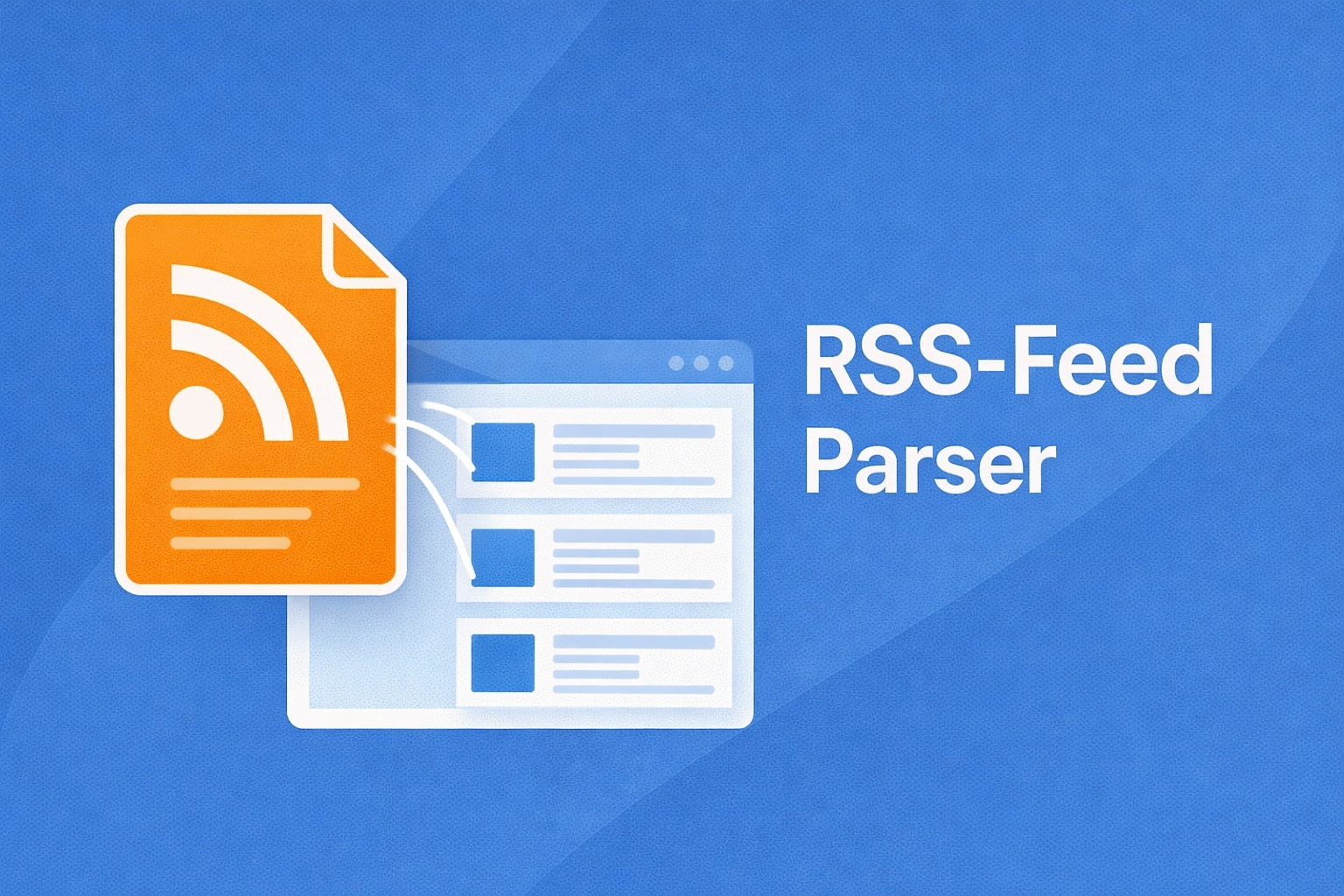
This tool parses your RSS 1.0, RSS 2.0, and Atom feeds, displays individual entries with title, description, date, and author – and identifies the feed type automatically. You will see exactly what your subscribers receive.
RSS Feed Parser
Parse and validate RSS 2.0, RSS 1.0, and Atom feeds.
Enter the URL of an RSS or Atom feed. Data is cached for 5 minutes.
Paste the complete XML content of your feed to validate its structure.
How the RSS Feed Parser Works
- Enter a feed URL: Enter the URL of your RSS or Atom feed. The tool fetches the feed (with a 5-minute cache) and analyzes it completely.
- Paste feed content: Alternatively, copy the raw XML content directly into the text field – useful for testing a locally saved feed.
- Check the feed type: The tool automatically detects whether the feed is RSS 2.0, RSS 1.0, or Atom and displays this information.
- Review entries: Each feed entry is displayed with title, description, publication date, and author. For longer feeds, you can expand the view.
Changelog
- Support for all three common feed formats: RSS 2.0, RSS 1.0, and Atom 1.0
- Automatic feed type detection
- 5-minute cache for feed URLs to reduce server load
- Expandable detail view for individual feed entries
- Direct XML content pasting as an alternative to URL fetching
Background: Why a Clean RSS Feed Matters
An RSS feed is the machine-readable interface of your website. It is used by newsreaders, podcast platforms, email marketing tools, and content aggregators. Errors in the feed lead to concrete problems:
- Podcast directories: Apple Podcasts and Spotify reject feeds with invalid date formats or missing required fields.
- Newsreaders: Faulty feeds will not update or display posts in the wrong order.
- SEO and syndication: Content aggregators like Google News or Flipboard require valid feeds to include your content.
What Should You Do With the Results?
- Review entries: Make sure all posts appear correctly in the feed – with title, description, and a valid date.
- Check date formats: RSS requires RFC 822 dates, Atom requires RFC 3339. Incorrect formats are one of the most common feed errors.
- Watch feed size: Very large feeds (100+ entries) can load slowly. Most CMS platforms limit feeds to the last 10–25 entries.
Frequently Asked Questions
Frequently Asked Questions
What is the difference between RSS and Atom?
RSS 2.0 and Atom are two different formats for web feeds. Atom is considered technically cleaner (e.g., mandatory date fields, clearer specification), while RSS 2.0 is more widely used. Most newsreaders and platforms support both formats.
How do I find my website’s feed URL?
For WordPress, the default URL is yourdomain.com/feed/. For other CMS platforms, you can often find the URL in the HTML source as <link rel="alternate" type="application/rss+xml"> in the <head> section.
Why are all not my posts showing in the feed?
Most CMS platforms limit the number of feed entries (WordPress defaults to the last 10). This is intentional: feeds should deliver current content, not the entire archive. You can usually adjust this setting under reading preferences.
Are feed contents cached?
Yes, fetched feed URLs are cached for 5 minutes. If you have made changes to your feed and want to test them immediately, use the “Paste content” option and copy the current XML content directly into the text field.
Can I use this to check podcast feeds?
Yes, podcast feeds are technically RSS 2.0 feeds with additional iTunes namespaces. The tool shows you the basic structure and entries. For a complete podcast-specific validation, consider using a dedicated podcast feed validator as well.